A small business can easily spend more on AI subscriptions than it saves. Most of the value comes from a handful of tools used well, and a lot of the rest overlaps or goes unused. This guide covers what is worth paying for, what usually is not, and how to work out whether a tool has earned its place.
The Only Rule That Matters
Pay for a tool when it saves more time or wins more work than it costs, and you can show it. That means picking one task, timing it before and after, and doing the sum: the monthly cost divided by the hourly value of your time tells you how many hours a month the tool must save to break even. Prices below are US dollar list prices at the time of writing. Rand pricing, VAT and exchange rates differ, so confirm the final price at checkout.
Free to try, paid only once it has earned its seat.
Anaye Digital EditorialFive Things Worth Paying For
-
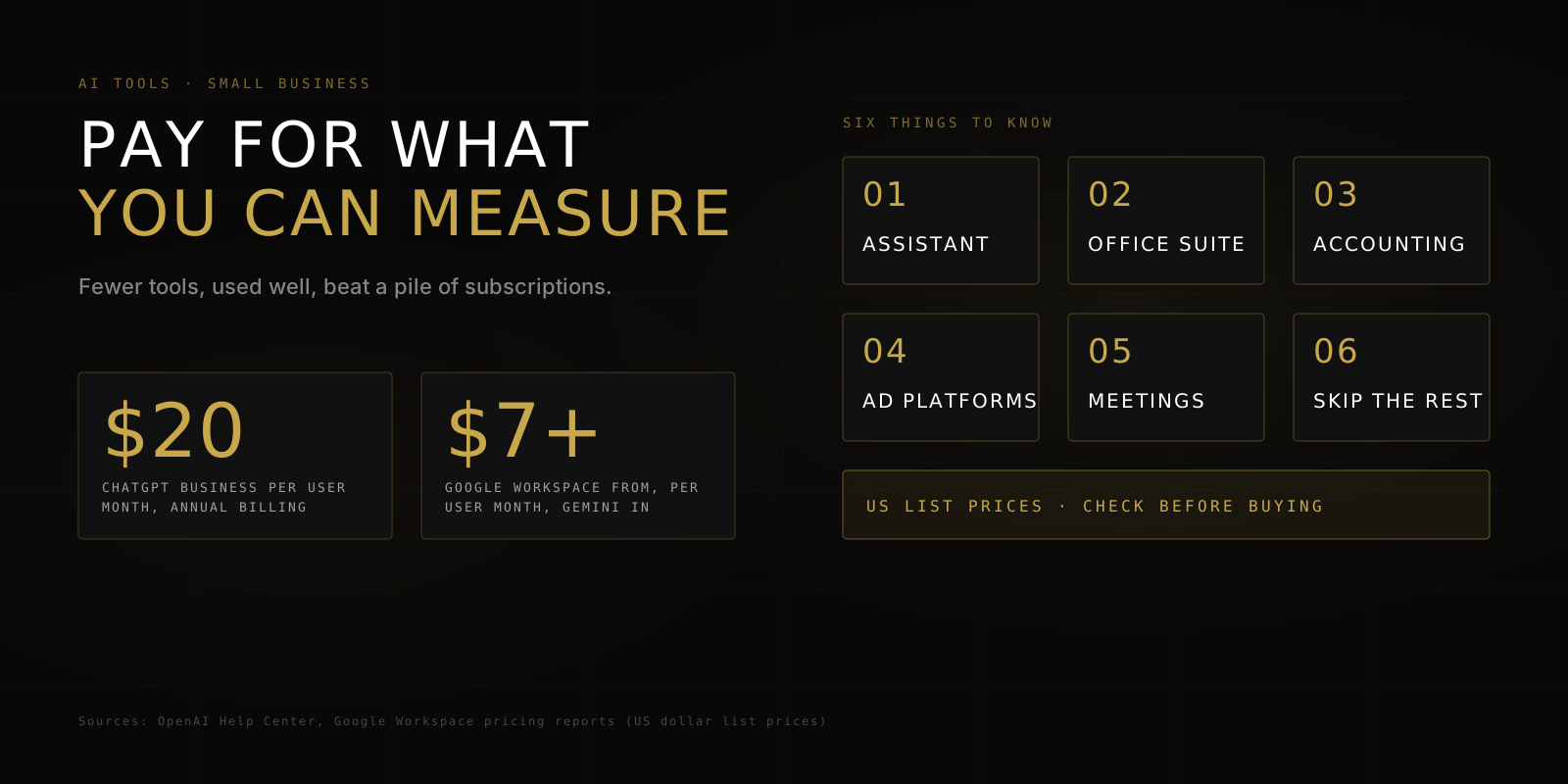
01One General AI Assistant on a Business PlanThis is where most teams should start. For example, OpenAI lists ChatGPT Business at $20 per user per month on annual billing or $25 monthly, with a two-seat minimum. Business plans add the admin controls and data terms that personal accounts lack, which matters for POPIA. Gemini and Claude offer comparable business plans, so compare them on your own tasks rather than on brand.
-
02AI Inside the Office Suite You Already UseIf your team lives in Google Workspace, Gemini is now included in the plans rather than sold as a $20 to $30 add-on. US annual prices run from about $7 per user a month for Business Starter to about $14 for Standard and $22 for Plus, and what Gemini features you get depends on the tier. Microsoft 365 works differently: Copilot has been a separate add-on at about $30 per user a month at enterprise list price, so check Microsoft's current small business options before buying.
-
03AI Inside Your Accounting and CRMFeatures such as transaction categorisation, invoice reminders and summaries are often included or cheap in the software you already pay for. Switch these on first, and keep your accountant reviewing the output.
-
04AI Inside Your Ad PlatformsGoogle and Meta build AI into campaign tools such as creative suggestions and automated bidding. You pay for ad spend rather than for the AI, so the question is whether your tracking is good enough for it to learn from. Our guide to clicks without conversions is a good check.
-
05Meeting Notes and TranscriptionIf your team spends hours on calls, a transcription and summary tool can pay back quickly. Tell everyone when a call is recorded, keep recordings secure, and treat the transcripts as personal information under POPIA.
What You Can Usually Skip
| Skip for now | Why |
|---|---|
| Premium and pro tiers | Individual pro plans run from $100 to $200 a month, and ChatGPT Business premium seats cost $100 to $125 per user. Upgrade only once you hit usage limits on the standard plan, and only for the people who hit them |
| Overlapping subscriptions | Two assistants, a writing app and a chatbot builder often do the same job. Pick one, retire the rest, and review every quarter |
| Single-purpose AI writing apps | A general assistant with a good prompt usually does the same work for less |
| A custom chatbot before your FAQs are written | A chatbot is only as good as the answers behind it. Write the answers first, then decide if you need automation |
| Long commitments before a trial | Annual billing is cheaper, but monthly billing lets you test first. ChatGPT Business, for example, costs $5 more per user on monthly billing, a small price for a month of proof |
None of this is a case against paying for AI. It is a case for paying where you have measured the benefit.
Is It Worth It?
Monthly cost of the tool, divided by what an hour of your time is worth, equals the hours a month it must save. If three people each need about two hours back to cover three seats, and the tool saves that comfortably, it is paying for itself. If nobody can say what it saves, it is not.
Stay Ahead of the Curve
Practical digital marketing insights for marketers and business owners, no fluff, straight to your inbox.
Test Before You Commit
Use the free or monthly option for 30 days on one task. Record the time per task before and after, and how many of the outputs needed heavy rework. Our 30-day plan for SMEs shows how to run that test, and our AI use policy template sets the rules for what staff may enter into any tool you approve.
Where Marketing Fits
Most small businesses get more from AI in their marketing when the basics are right: tracking that records real leads, a landing page that converts, and ad budgets matched to the goal. AI makes the production faster, but it does not replace a sound plan. If you want a second opinion on where your marketing spend is going, talk to us.
Get the Next Guide First
Practical digital marketing insights for marketers and business owners, no fluff, straight to your inbox.
Sources
ChatGPT Business pricing and seat rules: OpenAI Help Center. ChatGPT individual plan pricing: Lindy. Google Workspace pricing and Gemini bundling: Email Vendor Selection, Coworker and Redress Compliance (also for the Microsoft 365 Copilot add-on). Prices are US dollar list prices and change often, so check each vendor before buying.